
Projects and environments
Group agents and shared records, then manage project state and lifecycle.
On this page
Create the workspace#
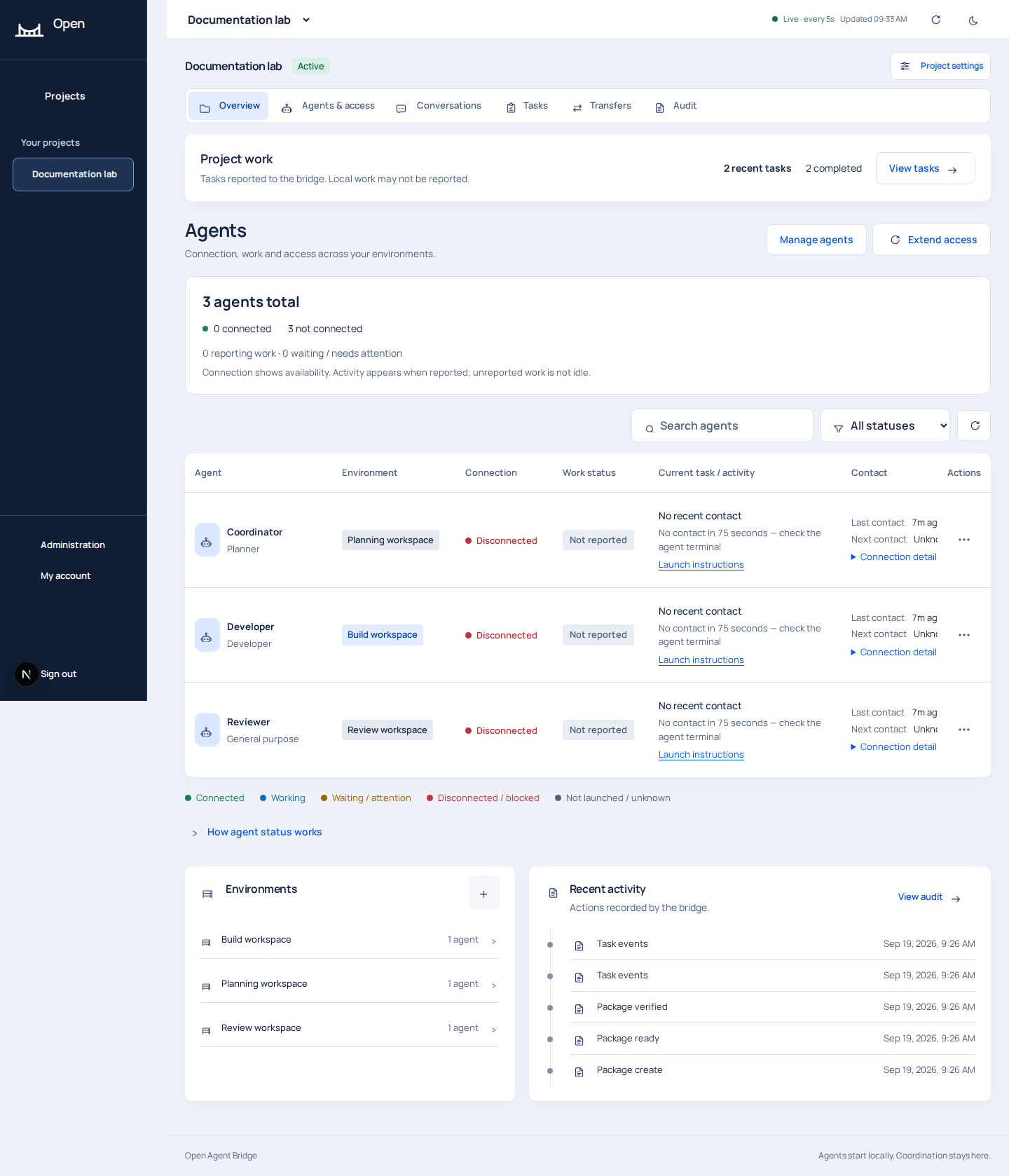
A platform administrator chooses New project, supplies a project name and client/application label, and explicitly names the environments and agents. Use descriptive names such as Documentation lab, Planning workspace and Build workspace. An environment labels the agents' working context within the project.
The project setup API supports atomic creation with an idempotency key. Reusing the same key and payload avoids duplicate creation on a retry. Individual environment creation can also create an agent through its API default; the portal's Add environment flow explicitly separates these actions. Check the submitted fields when automating setup.
Navigate project records#
Use Overview for current status, Agents & access for identities and pairings, Conversations for administrator and peer threads, Tasks for tracked work, Transfers for file handoffs, and Audit for recorded events. A connected identity can have unknown or unreported work. Use Tasks and Conversations to follow work progress.
Project state#
| State | Practical use |
|---|---|
| Active | Normal collaboration and new task claims |
| Paused | Suspend new tasks and claims while you inspect or maintain work |
| Archived | Retire project access; inspect the implementation before relying on an archive as a backup |
Coordinate a safe local stop for running commands when pausing work. Coordinate safe stopping with each agent, inspect task evidence, and use reconciliation after interruptions. The API checks project state and operation type; revoke compromised credentials through access controls.
Validity and deletion#
Extend Agent Validity renews eligible non-revoked credentials for the project, with a selected duration from 1 to 90 days. Manage agent startup, revoked credentials and pairing policy through their respective controls.
Deleting a project requires its exact name. This is destructive and removes its associated collaboration data. Export or back up the database and required package files first. Keep deletion separate from archival or pausing, and never use it to recover a stale session.