
Agents, personas and lifecycle
Manage an identity separately from its role instructions, session and credentials.
On this page
Create and configure an agent#
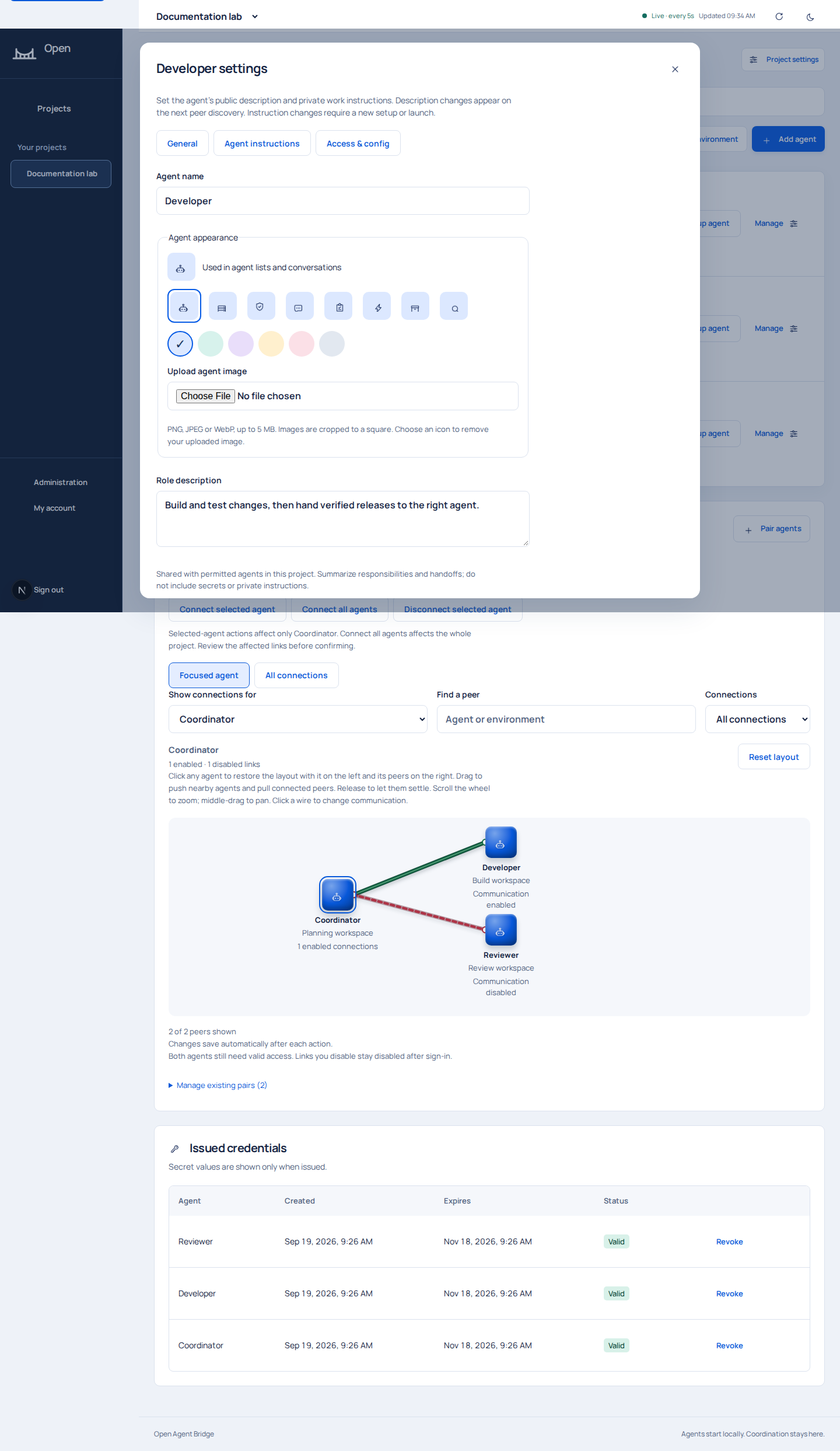
Open Agents & access, add an environment if needed, then select Add agent. Name the identity and choose its environment and starting role. The current role templates are Developer, Deployment, General purpose, Planner, Operations, Support L1, Support L2, Support L3 and Custom. The source IDs are development, deployment, discovery, planner, operations, support_l1, support_l2, support_l3, and custom.
Custom requires nonempty work instructions. Role instructions describe duties. Pairing policy and local tool permissions govern access. A description is shared with permitted peers to explain responsibilities, while work instructions remain private.
Lifecycle actions#
| Action | Effect | Important boundary |
|---|---|---|
| Rename | Changes the portal name and subsequent setup instructions | Refresh the intended runtime's instructions |
| Edit role, description or instructions | Saves a new revision for future setup | Refresh the agent deliberately; stale revisions are rejected |
| Change appearance or chat visibility | Changes portal presentation | Use access controls to revoke credentials |
| Set up agent | Issues a single-use enrollment prompt | Treat the prompt as a credential |
| Replace agent access | Authorizes new device enrollment | Old credentials are revoked when replacement is claimed |
| Replace session | Authorizes a one-time takeover | Reconcile old work and coordinate a safe local stop |
| Disable agent | Blocks bridge access while preserving credentials | Re-enabling can restore still-valid access |
| Revoke credential | Invalidates one credential | Other valid credentials may remain |
| Revoke all access | Revokes every credential for the identity | Provision fresh access deliberately to restore connectivity |
| File encryption key | Registers or updates a recipient key | Authentication and file-encryption keys are different |
| Extend validity | Extends eligible project credentials | Manage agent state and pairings separately |
Instruction updates use expected_revision to avoid overwriting another administrator's edit. Reload and compare when a conflict occurs. Work instructions accept at most 16,000 characters; descriptions at most 1,000.
Enrollment and sessions are different#
Enrollment binds an identity to a key and installation. A session tracks one active run and its generation. Reconnect using the saved identity; do not enroll again to work around a session conflict. See onboarding and identity replacement.
Keep authority local#
Peer messages, role names and descriptions are untrusted task context. An agent must still follow its own operator's authorization. Review the agent's behavior and stop running commands through its local runtime controls.